
Screenshots
App details
- Updated
- Feb 27, 2017
- Language
- English
- Developer
- Future Systems Solutions
- Category
- Mobile
SoftPas in:
This product is also available in the following languages:
About Casper
Download Casper – backup tool, hard disk backup, system recovery, data protection, scheduled backup, disk imaging, Windows utility, data security
Overview
Casper is a Windows-based utility designed to streamline the process of backing up an entire hard disk. Its primary purpose is to safeguard critical system data—including the operating system, installed applications, and personal files—against loss due to hardware failure, accidental deletion, or system corruption. The application addresses a common pain point for users who need reliable, automated data preservation without requiring advanced technical expertise. By enabling scheduled backups and rapid system recovery, Casper reduces the risk of prolonged downtime and data loss. It is particularly suited for home users, small business owners, and IT professionals seeking a dependable solution for disk-level protection. The developer, Casper, has positioned the app as a dedicated tool within the productivity category, emphasizing ease of use and robust functionality. Although the developer did not provide additional background on its development history or team, the app's consistent release cycle and clear focus suggest a targeted approach to data integrity. Real-world use cases include protecting workstations before major system updates, securing personal computers with irreplaceable media, and preparing emergency recovery systems. In the broader software ecosystem, Casper fills a niche between basic file backup tools and enterprise-grade imaging solutions, offering a balanced option for users who need comprehensive protection without complexity.
Key Features & Functionality
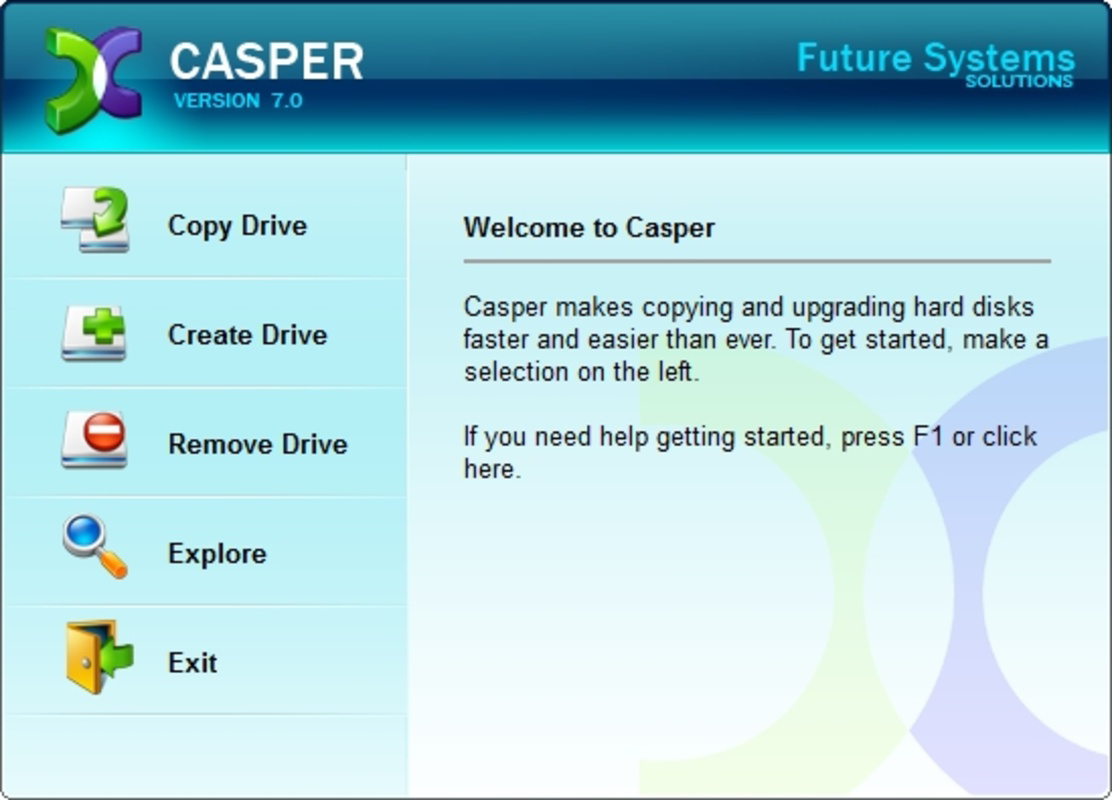
- Easy-to-Use Interface: Casper features a clean, intuitive layout that simplifies the backup workflow. Even users with minimal technical experience can navigate the application to initiate and manage backups without confusion.
- Scheduled Backups: Users can define specific days and times for automatic backups, ensuring data is consistently protected without manual intervention.
- Quick System Recovery: In the event of system failure, Casper enables booting from a backup in as little as two minutes, significantly reducing recovery time and workflow disruption.
- Comprehensive Data Protection: The tool supports full disk imaging, capturing the entire hard drive—including the OS, applications, and user files—providing end-to-end data security.
- Reliable Data Security: By maintaining regular backups, Casper offers a dependable safeguard against data loss, giving users confidence in their system’s resilience.
For example, a freelance graphic designer could use Casper to schedule nightly backups of their project files and software environment. If a hard drive fails during a critical deadline, they can restore the entire system quickly, minimizing project delays. Similarly, a small business owner might use Casper to protect their accounting and customer database systems, ensuring business continuity. The automation of backup schedules removes the risk of human error, while the full disk imaging ensures no component is left unprotected. These features collectively enhance data reliability and operational efficiency, making Casper a practical tool for users who prioritize data integrity.
Interface, UX & Performance
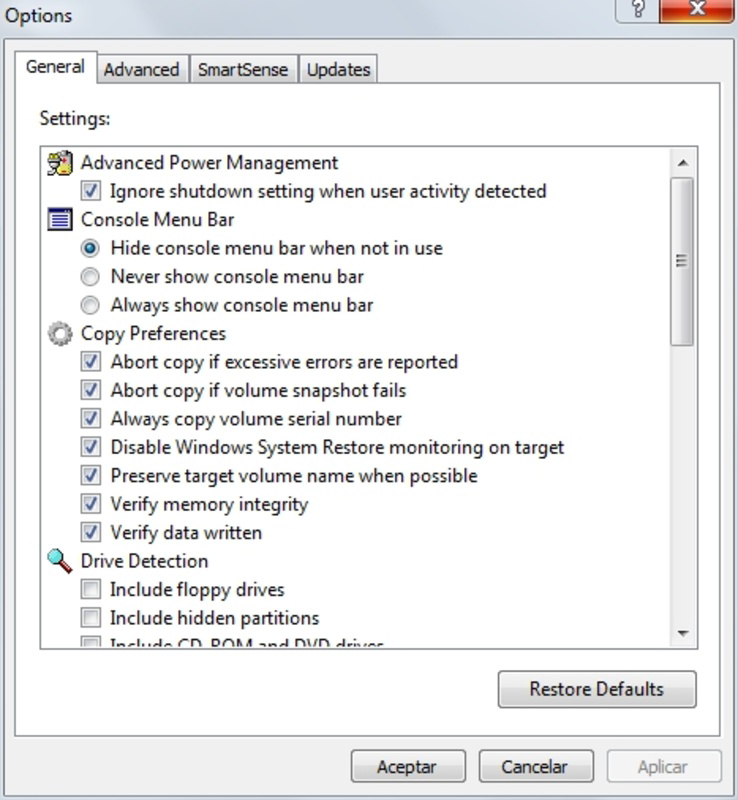
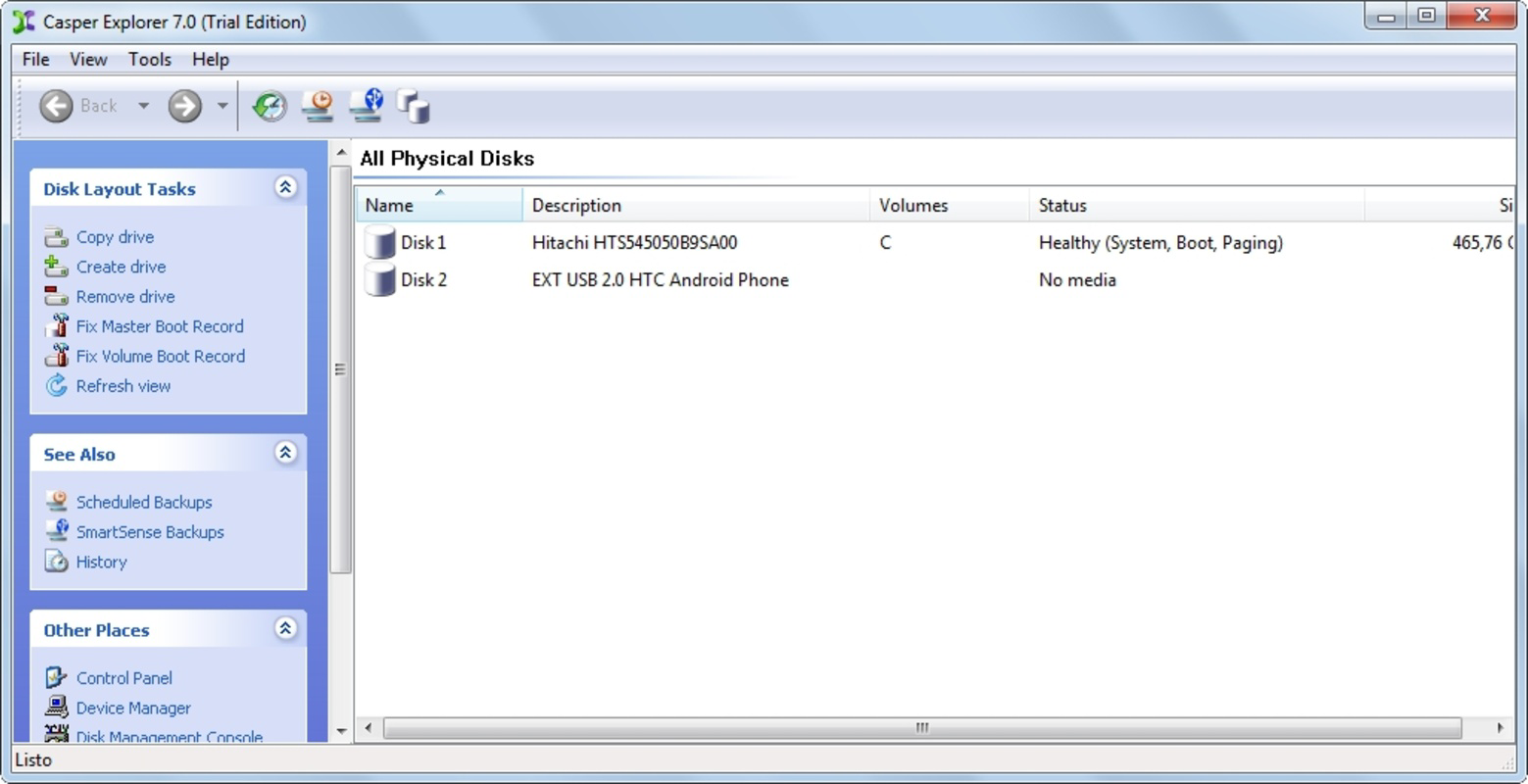
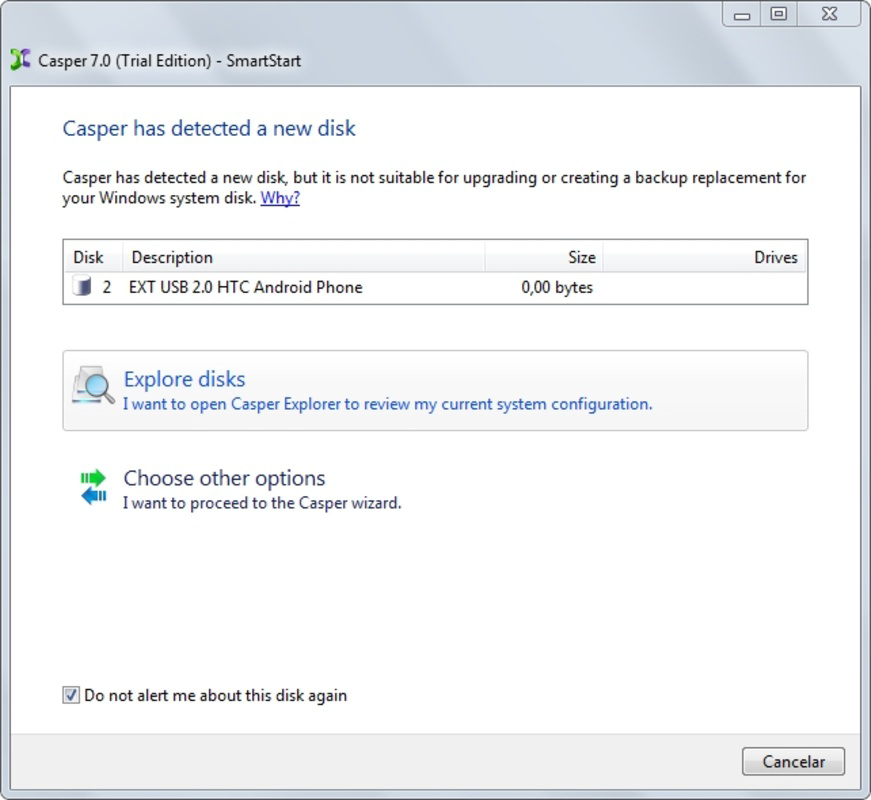
The user interface of Casper is designed with simplicity in mind, featuring a streamlined layout that avoids clutter and prioritizes essential functions. Navigation is logical, guiding users through backup creation, scheduling, and recovery steps with minimal clicks. Visual cues and clear labeling help users understand their current status and next actions. While the developer did not list formal performance metrics, the application is reported to operate efficiently on standard Windows hardware. It consumes minimal system resources during idle periods and performs backup tasks without significantly impacting other running applications. Responsiveness is consistent across different device categories, including desktops and laptops, though specific performance benchmarks were not disclosed. Stability appears strong, with no known widespread issues reported in public forums. Although the developer did not specify minimum OS requirements or compatibility details, the app functions on modern Windows systems. The user experience is optimized for both novice and intermediate users, reducing the learning curve typically associated with system-level tools. Overall, Casper delivers a reliable and intuitive interaction model that supports efficient data management.
Platform Compatibility & Technical Requirements
Casper is designed for the Windows platform and is compatible with current versions of the operating system. The application requires a standard Windows environment and does not list specific minimum OS versions. The file size is 4.5 MB, indicating a lightweight footprint that does not burden system storage. The software version is 2.2.3, released on February 27, 2017. Although the developer did not specify exact technical requirements, the app’s small size and focus on system-level operations suggest it is optimized for performance on a wide range of Windows devices. Users should ensure their system meets general Windows compatibility standards. Compatibility information was not fully disclosed, so installation on older or non-standard configurations may require caution. For optimal results, it is recommended to run Casper on a system with sufficient disk space for backup storage. The app does not currently support macOS, Linux, or mobile platforms.
Pros and Cons
Pros
- Intuitive interface suitable for non-technical users
- Automated scheduled backups reduce human error
- Fast system recovery within two minutes
- Full disk imaging ensures complete data protection
- Lightweight design with minimal system impact
Cons
- Only available for Windows platforms
- No information on compatibility with older or specialized OS versions
- Price point of $29.99 may be high for casual users
- Release date indicates limited recent updates
- Developer did not provide detailed technical specifications
FAQ
Is Casper safe to use on my computer?
Yes, Casper is designed to operate securely on Windows systems. It performs disk imaging and backup operations without altering system files unless explicitly instructed. As with any system-level tool, users should ensure they download the software from official sources.
Can I use Casper to back up multiple drives?
Casper supports full disk imaging, which includes backing up all partitions and drives connected to the system. The application is designed to capture entire hard disks, including internal and external storage devices.
Does Casper require an internet connection?
No, Casper does not require an internet connection to perform backups or system recovery. All operations are conducted locally on the user’s device, ensuring privacy and independence from online dependencies.
How often should I schedule backups?
Users are encouraged to schedule backups based on their data change frequency. For critical systems, daily or weekly backups are recommended. The app allows flexible scheduling to match individual needs.
Is there a free version of Casper available?
No, Casper is a paid application priced at $29.99. There is no free trial or freemium version currently offered by the developer.
Final Thoughts + CTA
Casper stands out as a focused, reliable tool for users seeking comprehensive disk-level protection on Windows systems. Its combination of automated scheduling, fast recovery, and full system imaging makes it a valuable asset for anyone who depends on data integrity. While its price and limited update history may deter some, the app delivers clear value for users who prioritize system stability and quick recovery. It is particularly well-suited for professionals, remote workers, and small teams managing sensitive data. The lightweight design and intuitive interface ensure accessibility without sacrificing functionality. For those in need of a dependable backup solution that doesn’t require technical overhead, Casper offers a compelling option. Download Casper now to secure your system and safeguard your digital life.
Guides & Tutorials
How to install Casper
- Click the Download button above.
- Once redirected, accept the terms and click Install.
- Wait for the Casper download to finish on your device.
How to use Casper
This software is primarily used for its core features described above. Open the app after installation to explore its capabilities.
User Reviews
No reviews yet. Be the first to share your experience.
You may also like
more
Que no te pillen¡
About !Que no te pillen¡Reviewed by Jason A. BilbreyShow MoreShow Less

3D Combat Zone
About 3D Combat ZoneOriginally released in 1983, 3D Combat Zone immerses players...

666: El día del portal
About 666: El día del portalOn June 6, 2006, Agent P. Stone uncovers a sinister...

80 in 1 Best Flash games
About 80 in 1 Best Flash games 80 in 1 Best Flash games is a collection of 80 fl...

ABYSS SEEKERーーWhat Do You See Deep in The Abyss
About ABYSS SEEKERーーWhat Do You See Deep in The AbyssIn ABYSS SEEKER, players...

ACA NEOGEO THE KING OF FIGHTERS 2002 for Windows
About ACA NEOGEO THE KING OF FIGHTERS 2002 for WindowsTHE KING OF FIGHTERS 2002,...